BEX PMS — Recap of September 2026
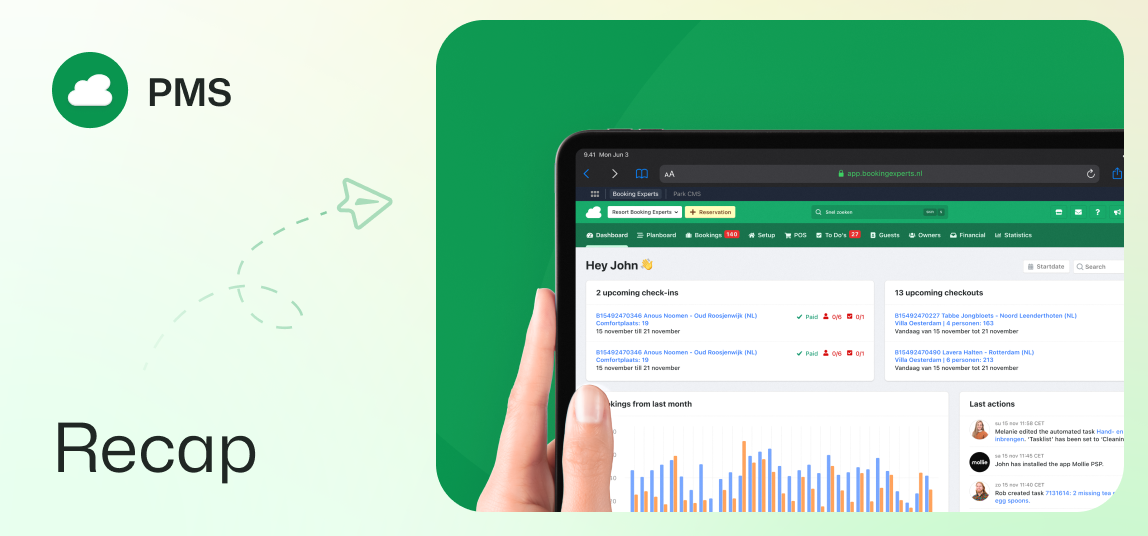
Enhanced guest portal, floor plans, Nora in Spanish, searching by invoice number, and more.
Guest portal updates for an improved guest journey
Guests now enjoy an improved reservation overview in the guest portal. The page displays full photo galleries for booked types instead of single static images. Widgets have a modernized card layout with clearer status badges.
The portal also separates guest and pet counts with distinct icons and hover details. Clicking or hovering over the booking number lets users quickly copy their reference ID. Guests can view their previously purchased extras right below the total price, to easily add them again if desired.
Bulk updating energy labels
Energy labels across multiple objects can now be updated all at once. The object overview has new bulk actions to assign energy labels quickly. Filter options also help you isolate objects with or without these labels.
Clearer cluster indications across reservations
Reservation screens now show whether a cluster or regular object has been booked. Grouped units display clear cluster labels instead of generic object descriptions. This updated labeling appears in availability searches, reservation previews, and reservation show pages.
Floor plan functionality for all types
Floor plans are now a standard feature for all types. Layouts can be configured directly, without having to activate a module. Set up floor plans easily by navigating to the floor plan tab of the type.
Nora support chat in Spanish
The Nora support chat is now available in Spanish. Users working in the Spanish interface can access instant assistance directly on their screen.
Improved invoice search in invoice items overview
In the invoice items overview, you can now search by invoice number to get matching results. This allows users to find specific transactions faster, while still using the main search bar.
Preference cost application shown in cost detail pages
The cost detail page of a preference cost now displays its preference configurations directly. A dedicated row shows applicability rules without opening edit forms. Use it to quickly see if costs apply to all objects or selected amenities.